 UrMorning
"I build apps for a living. I'm part of the reason your parents can't use their phone — so I built the opposite."
Why the tech industry quietly leaves older adults behind, and what one founder built for his own grandmother instead. No passwords. Nothing to learn. Nothing destined for a drawer.

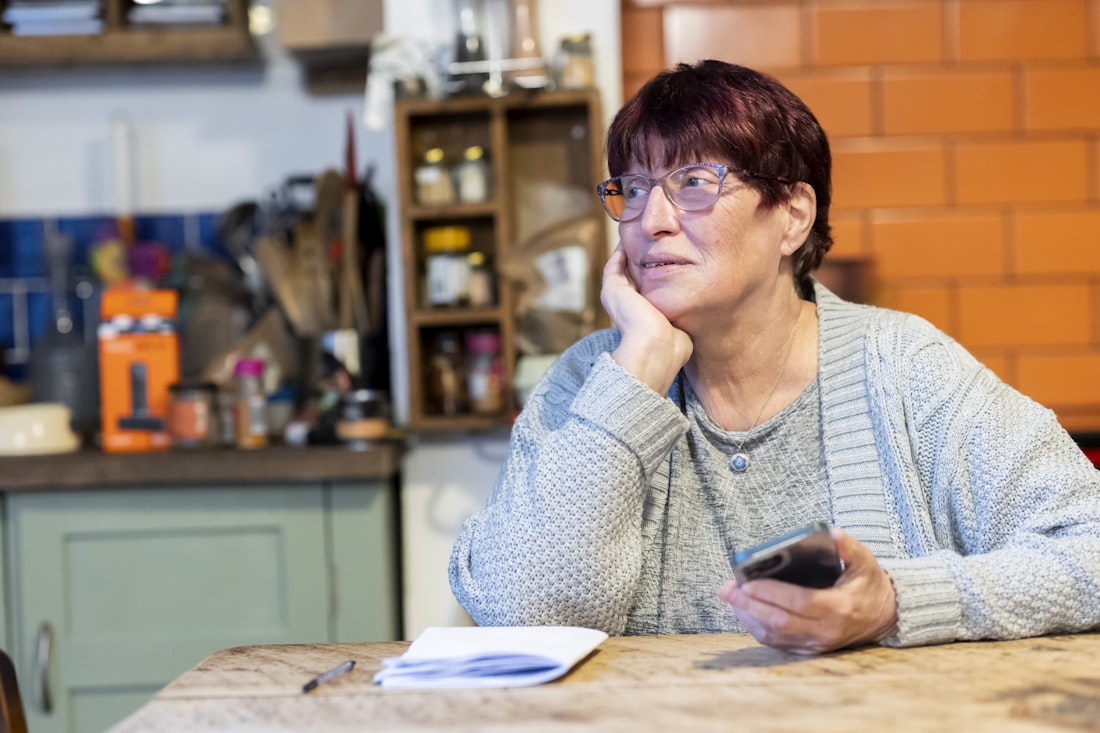
I've spent my career building software. So let me tell you something the industry doesn't put in its press releases: almost none of what we build was built for your mom.
We design for people in their twenties. Fast thumbs. Sharp eyes. The patience to sit through a four-screen setup wizard and remember which menu changed in last week's update. We chase engagement metrics. We add features. We bury the important buttons three levels deep, push an update every few weeks that rearranges everything, and call it progress.
Nobody in the room is picturing the 74-year-old who just wants to check whether a text from her bank is real — holding the phone at arm's length, squinting, afraid to tap the wrong thing and break something. Or get scammed. Or have to call her son again and hear the effort it takes, even when he's trying not to show it.
So she doesn't ask. Because asking feels like admitting something she's not ready to admit.
That is a design problem. And it's one we created.

I didn't see it clearly until it was my own grandmother.
She'd started letting her mail pile up. Days of it — bank statements, a prescription refill notice, a letter from her doctor's office she hadn't opened. When I asked, she waved it off. She was fine. She didn't need help.
Then I noticed her phone. She'd gotten a text that looked like it might be from her bank — one of those "did you authorize this transfer?" messages. She'd sat with it for three days. Not sure if it was real. Not sure what happened if she replied wrong. She didn't want to call me. She'd already asked about something like this before, and the time before that. She could see what those calls cost, even when nothing was said out loud.
She wasn't losing her memory. She wasn't confused about who we were. She was just stranded — by tiny print, by menus that shifted every update, by a touchscreen that expected steady fingers and sharp eyes, by a world where she couldn't reliably tell what was safe and what wasn't, with no calm voice nearby to ask.
And the people who loved her — the ones she didn't want to bother — were the only lifeline she had.
She'd decided she'd rather go without than call one more time.
She didn't fall behind. We stopped building for her.
If you've tried to fix this before, you already know how the story ends.
The iPad sat in the drawer. One woman on a family caregiver forum described it as "trying and failing to get her to accept it." She's not alone. Another wrote about her 95-year-old father — who had once written computer code for a living — and how he'd gotten locked out of his email after three wrong password attempts. "Eventually he lost interest." That's the whole arc in four words.
The classes didn't stick either. You'd sit beside her, show her every tap, watch her nod. Then three days later: "Can you show me again?" Not because anything was wrong with her — but because the interface gave her nothing to hold onto. No logic she could import from anything she already knew. Remembering it meant memorizing a sequence of arbitrary steps that changed in last month's update.
The specialized senior phone had too many buttons arranged differently. The voice assistant required a skill setup and follow-up questions she wasn't sure how to answer. The simplified app still had menus. The family photo app needed a login that expired.
And through all of it, there's this line every adult child knows: "I've shown her a hundred times. It never sticks."
Here's what nobody says out loud: the retention failure is not her problem. It's a design problem. If a thing requires memorizing a sequence of steps that change every update, it was built for someone who lives inside it every day — not someone who picks it up once a week when something goes wrong. The design set her up to forget. We called it "she can't retain it."
It's not your fault that none of this worked. And it's not hers. You've been trying to solve a design failure with patience and repetition — and those aren't the right tools for that problem. What changes outcomes isn't finding the right gadget. It's eliminating the thing that needs to be learned in the first place.
Not another gadget. Not a class. Not a simplified interface with fewer menus she'd still need to navigate. Something with no setup wizard, no passwords, no menus to remember, and nothing that would end up next to the iPad in the drawer.
I stripped it down to the only two things she already did every single day without thinking: take a photo, and talk.
I called it UrMorning. And then I gave it to my grandmother.
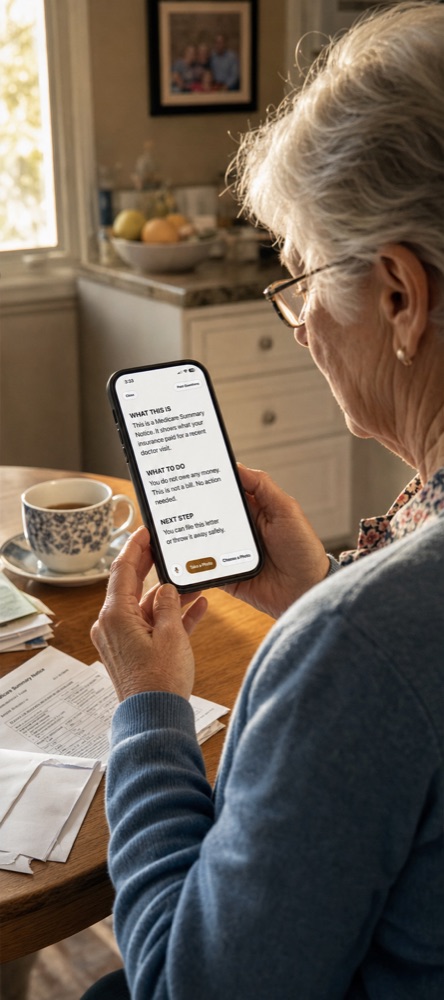
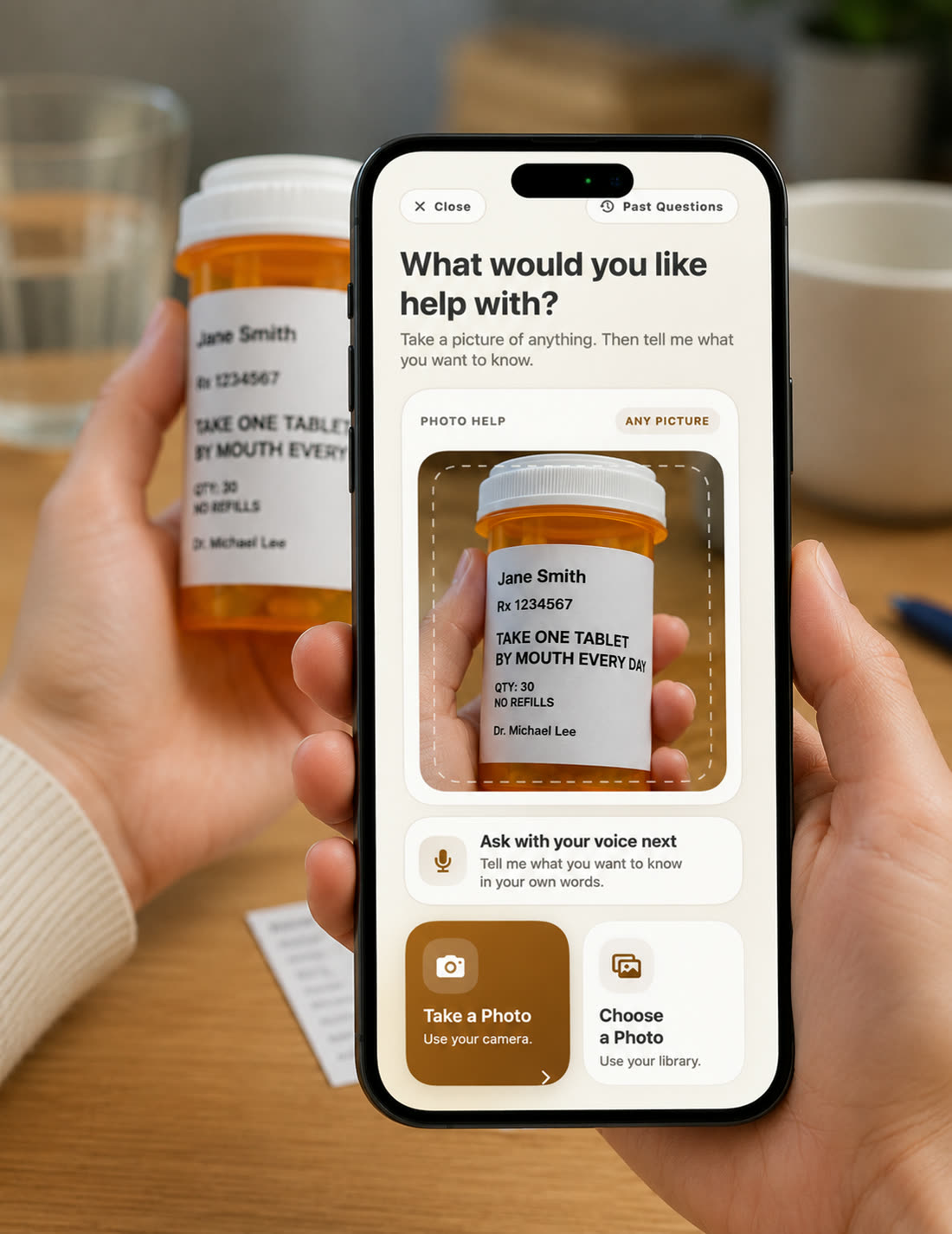
- Point — hold the phone at anything confusing. A bill. A letter. A pill bottle. A text that looks suspicious. A screen doing something she doesn't recognize.
- Ask — in plain words, out loud. "What is this? Is it important? Is it real? What do I do next?"
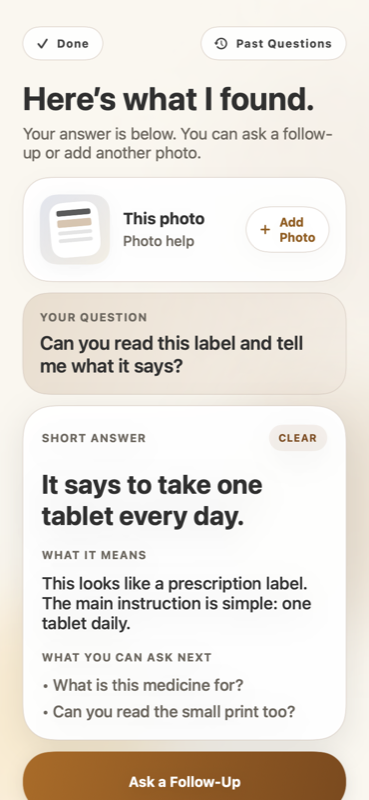
- Hear — a clear answer, spoken aloud in large text. The one specific thing to do. No jargon. No guessing. No calling anyone.
There's nothing to memorize because there's nothing new. If she can point a phone at something and say what's on her mind, she already knows how to use this. The thing she already knows how to do is the interface.
And when something appears on her screen she can't figure out — "it takes up your whole screen, you can't even X it out" was how one woman described the fake-virus messages terrorizing her mother — she now has somewhere to turn before she panics. A second opinion that doesn't require her to bother anyone.
| UrMorning | Calling you | A new gadget iPad · senior phone · smart speaker |
|
|---|---|---|---|
| Works on their phone now | ✓ | ✓ | ✗ new device |
| Nothing to learn or remember | ✓ | ✓ | ✗ |
| Available at 2am | ✓ | ✗ | — |
| Answers "is this a scam?" | ✓ | Sometimes | ✗ |
| No password to forget | ✓ | ✓ | ✗ |
| Doesn't cost anyone's evening | ✓ | ✗ | ✓ |
| Free to try | ✓ 30 days | — | ✗ |
Let me save you some money.
The one who calls you 31 times in one afternoon because every call is a different small thing she can't work out — that's who this is for. The one who stopped opening the mail because the print is too small and she won't admit that either.
Good instinct — and the right question to ask about anything aimed at helping older adults. Here's the plain version:
UrMorning is a real app on the App Store. You can search it right now. Payment goes through Stripe — the same processor behind Amazon and Shopify. There is no hidden renewal that's hard to cancel, no call-center close, and no fine-print surprise after you buy.
We're a small company. You won't find ten thousand reviews of us yet. You will find my email address: I answer support myself at support@urmorning.com. And if it's not right for any reason — including that your parent simply won't give it a try — you have 30 days to get every cent back, even if she never opened the link.
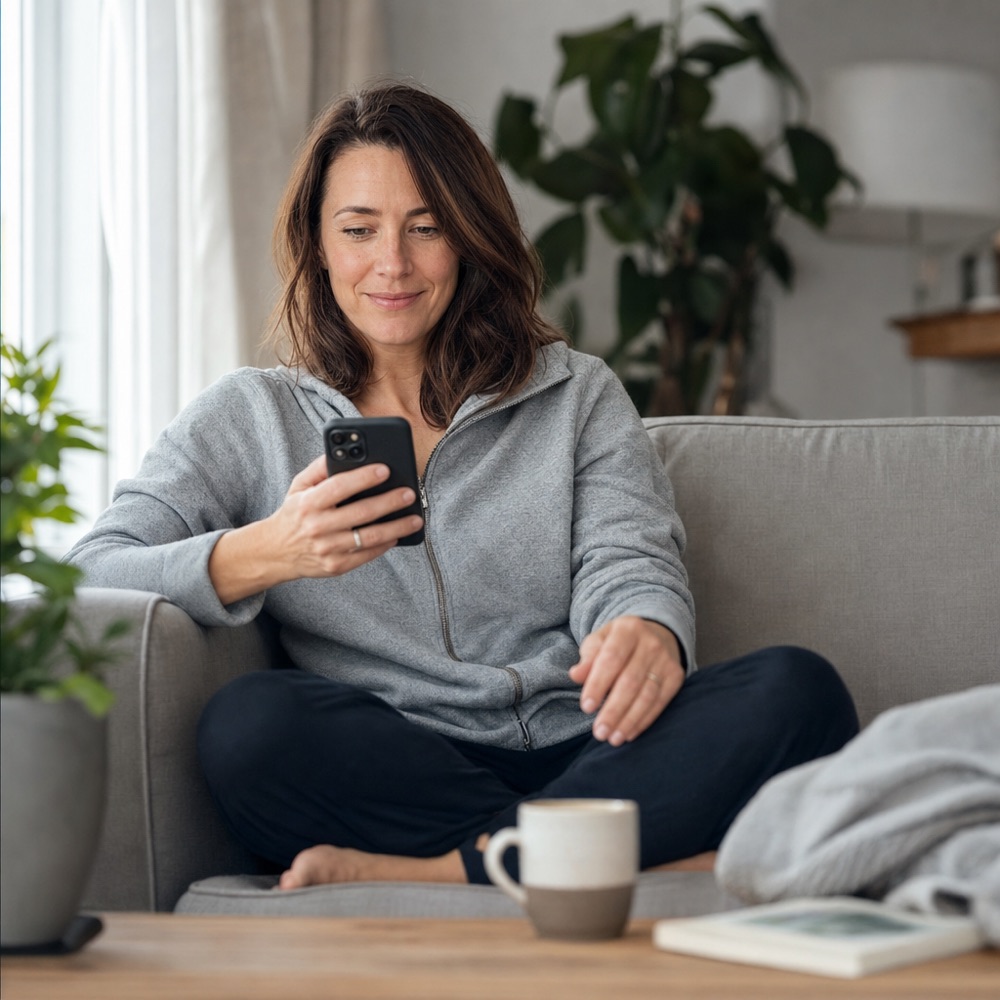
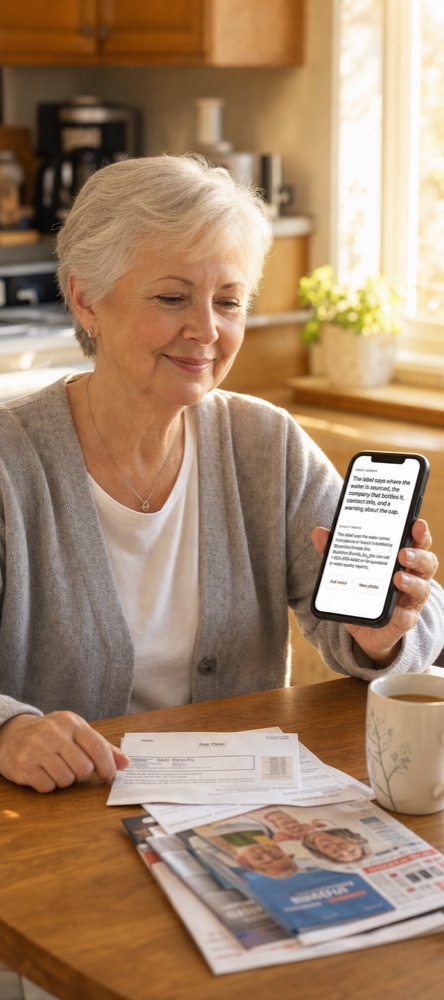
A parent using it for the first time
What the calls look like after
My grandmother reads her own mail again. She caught a suspicious text last month — the bank-alert kind, the one she used to sit with for days — and she knew what to do. She pointed her phone at it, asked, got a clear answer, and moved on. Nobody had to know she wasn't sure.
She calls me now just to talk. Not because something is broken. Not because a screen is doing something strange. Not because she's been sitting with something confusing and finally ran out of patience to sit alone with it.
That shift is what this is really about. The calls that drain both of you — the ones where one person ends up frustrated and the other ends up feeling like a burden — start to fade. What you get instead is just the conversation you actually wanted. She's not your tech problem anymore. She's just your parent again.
For her: she's not going to anyone to ask for help she doesn't want to need. She's asking her phone. That's the quiet dignity of it. She gets the answer. She moves on. Nobody felt bad about it on either end.
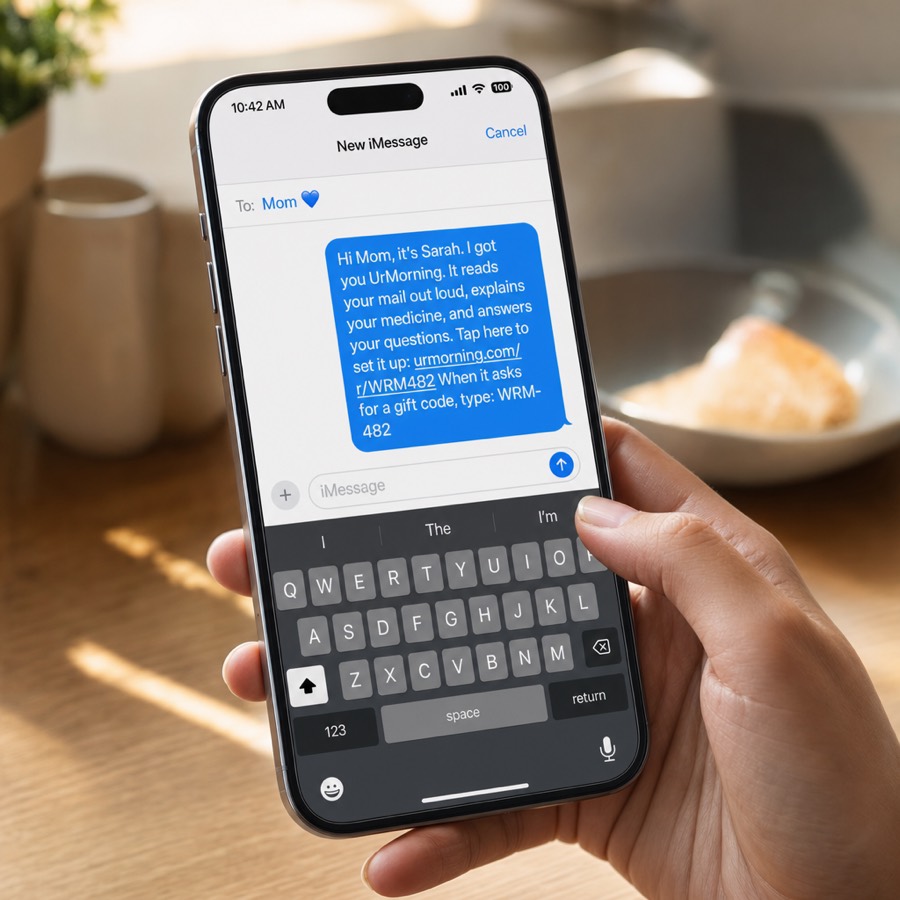
UrMorning is built to be given. You buy it from your phone, we send you a private setup link, and you text it to them — it arrives like a normal message from you. One tap on their end, about two minutes, and they're set up. They never need to navigate an app store, enter a credit card, or remember a password.
And if you're reading this thinking "the iPad was supposed to be simple too" — good. That's the right instinct. It's exactly why the whole thing is guaranteed: one payment of $49 covers her entire year — about 13 cents a day. If she doesn't use it, email us within 30 days and every cent comes back, even if she never opened it. No persuasion emails. No hoops. Just a refund.